

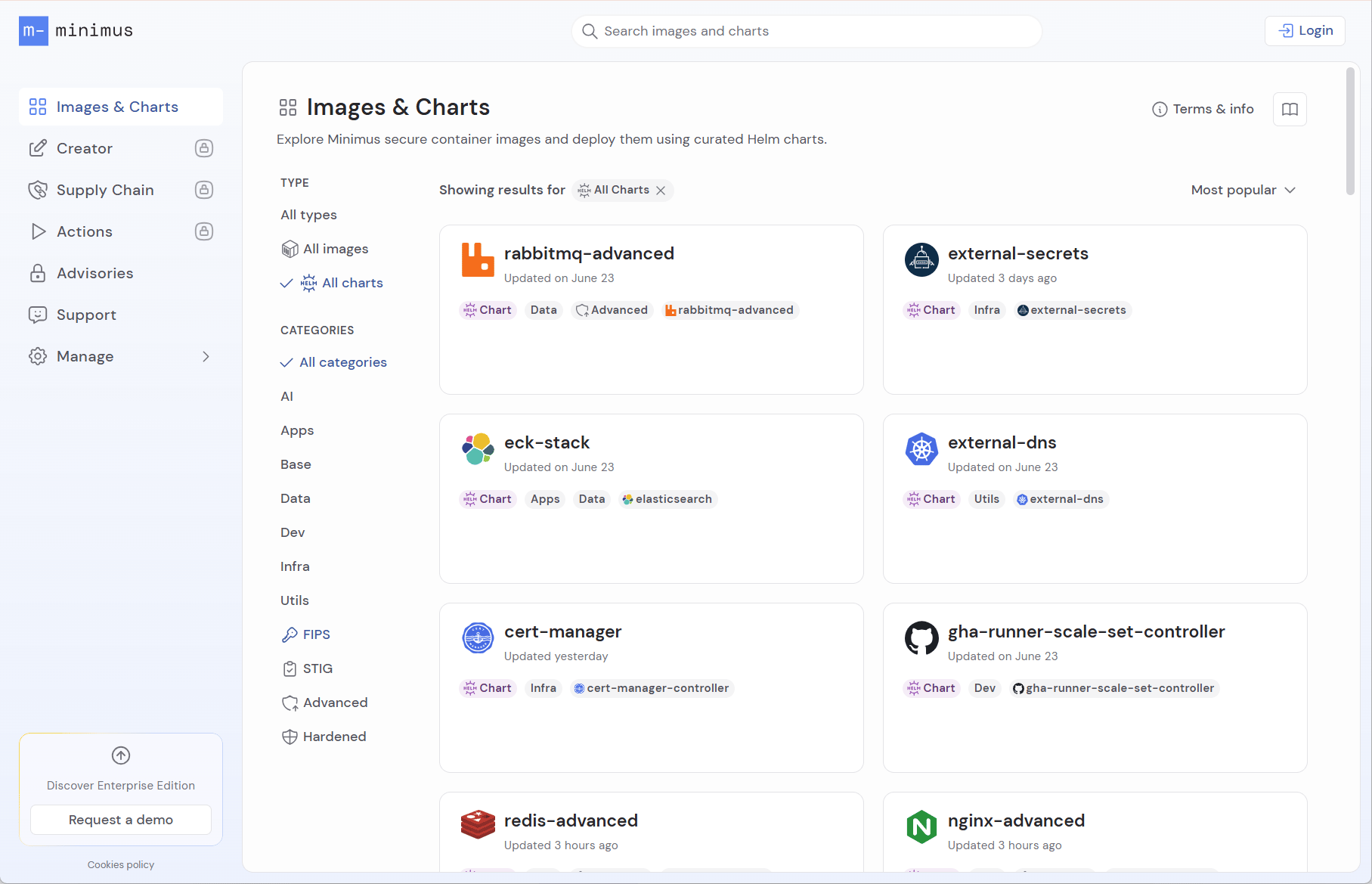
Minimus Helm charts for deploying Minimus images
Helm chart versions
Select a Helm chart from the list to view available chart versions. Each chart version deploys a specific app version, as listed. The current known vulnerability count is shown as well.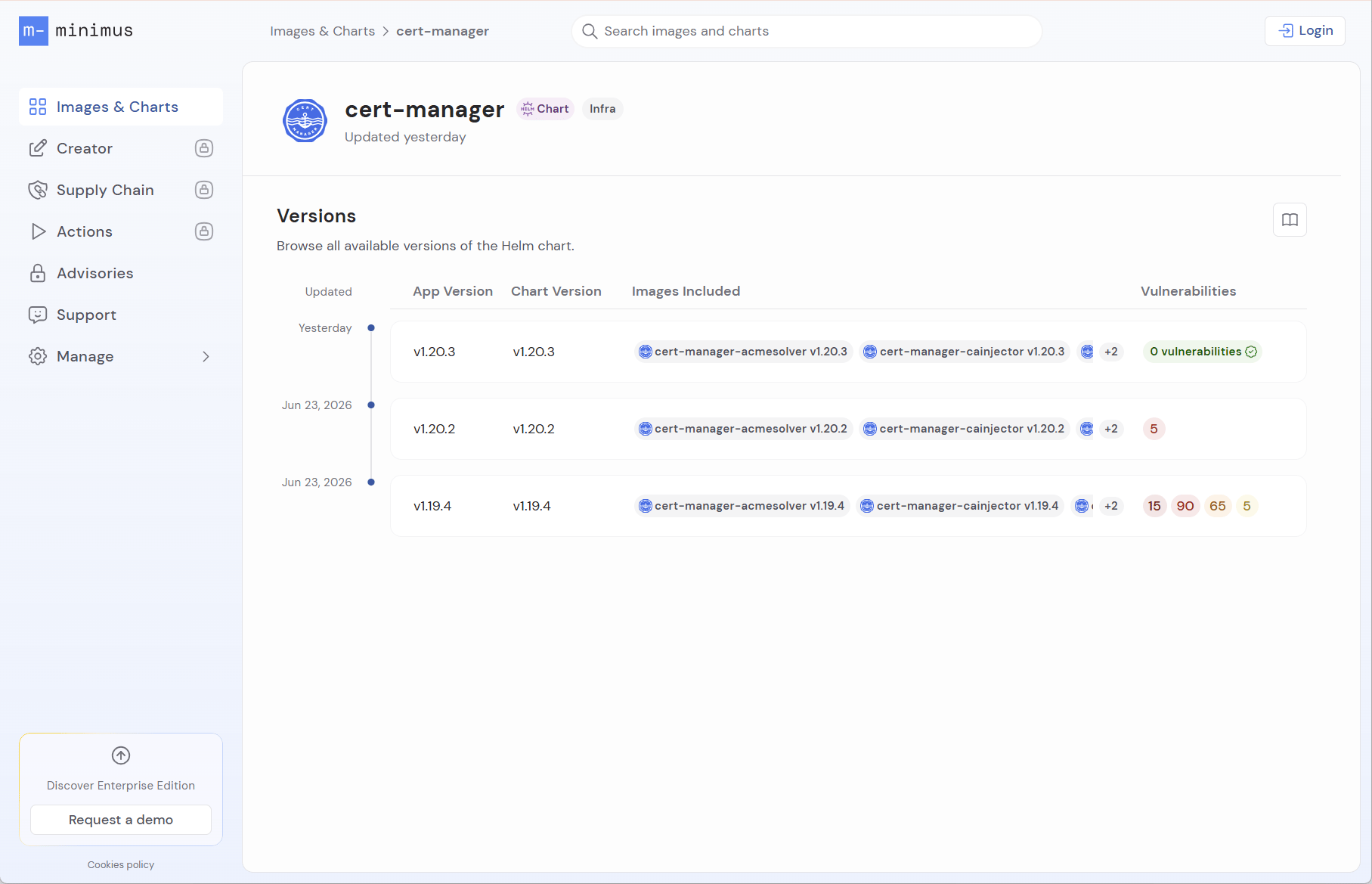
Chart version
Chart versions match the upstream open source chart. You can view the upstream chart in the Chart tab. For example, the Minimus cert-manager chart tracks the upstream chart https://charts.jetstack.io.App version
The application version reflects the version of the primary image deployed by the chart. The image version included in every Helm chart is listed in the Helm chart card along with a shortcut link to view the image card directly.Chart card
Select the relevant chart version to view the chart guide and default values. The chart version card lists all of the Minimus images deployed by the chart and their respective versions.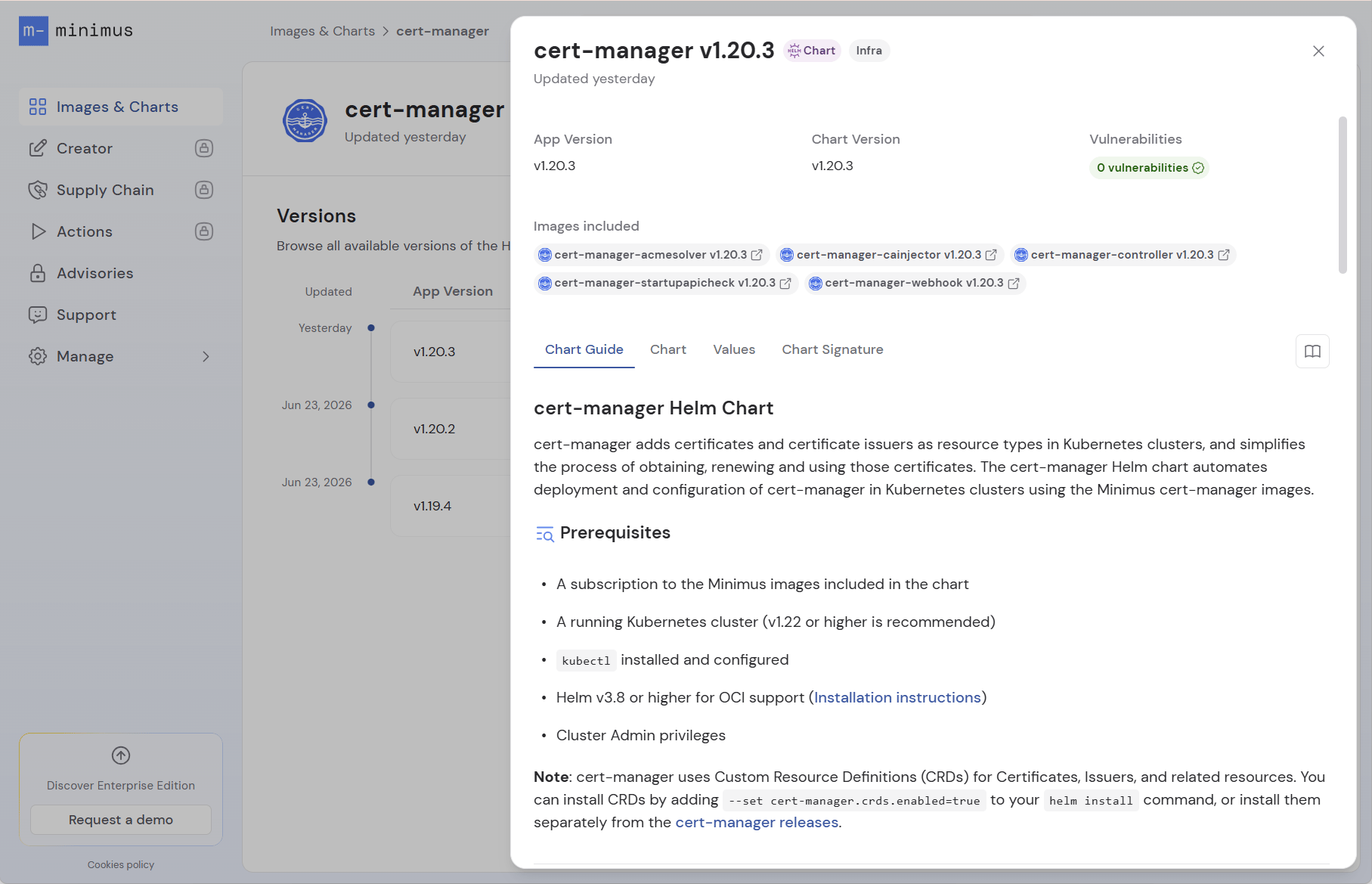
- Chart Guide - The quick start guide provides the commands for deploying the chart version.
- Chart - The default configurations in the
Chart.yamlfile. - Values - The defaults in the
values.yamlfile. It points the chart to Minimus images. - Chart Signature - This tab provides the command used to verify the Helm chart using Cosign to confirm it was published by Minimus and was not modified post-publication.
Chart version card menu
Risk reduction
The risk reduction tab helps you understand the security benefits of deploying a Minimus Helm chart over the equivalent public chart. Because a chart deploys a set of images rather than a single image, the comparison focuses on the overall vulnerability reduction across the images the chart deploys directly.The risk reduction data is compiled once a day (the time of the report is indicated). For the most recent vulnerability report of an individual image, see its image card.
- The Vulnerabilities Comparison graph shows the sum of confirmed vulnerabilities impacting all of the images deployed by each Helm chart, over the previous 30 days. Some vulnerabilities may impact multiple images and/or packages. The count is broken down by severity, so you can toggle between Total, Critical, High, Medium, Low, and Unknown and see the reduction for each. The comparison covers the images deployed directly by the chart; images deployed by any subcharts, if present, are not included.
- The Detailed Vulnerability Comparison table lists all of the CVEs impacting the images deployed by each chart. Toggle between the Minimus chart and the public chart to review each list.
- Click an item in the table to open the vulnerability card with further information about the CVSS severity score, exploitability, references, and a direct link to the NVD listing.
Request a Helm chart
The Minimus Helm chart gallery is growing, with new charts added regularly. As we continue working to expand our offering, we also gladly accept requests. Contact us to submit your request.Unauthenticated deployment
You can deploy Minimus Helm charts with Community Edition. The pod will write a warning log which can be safely ignored:kubectl describe pod command, for example: