Audit user actions and system events for complete visibility and accountability
Minimus logs user and system activity for complete visibility and accountability. The logs are split into two tabs:
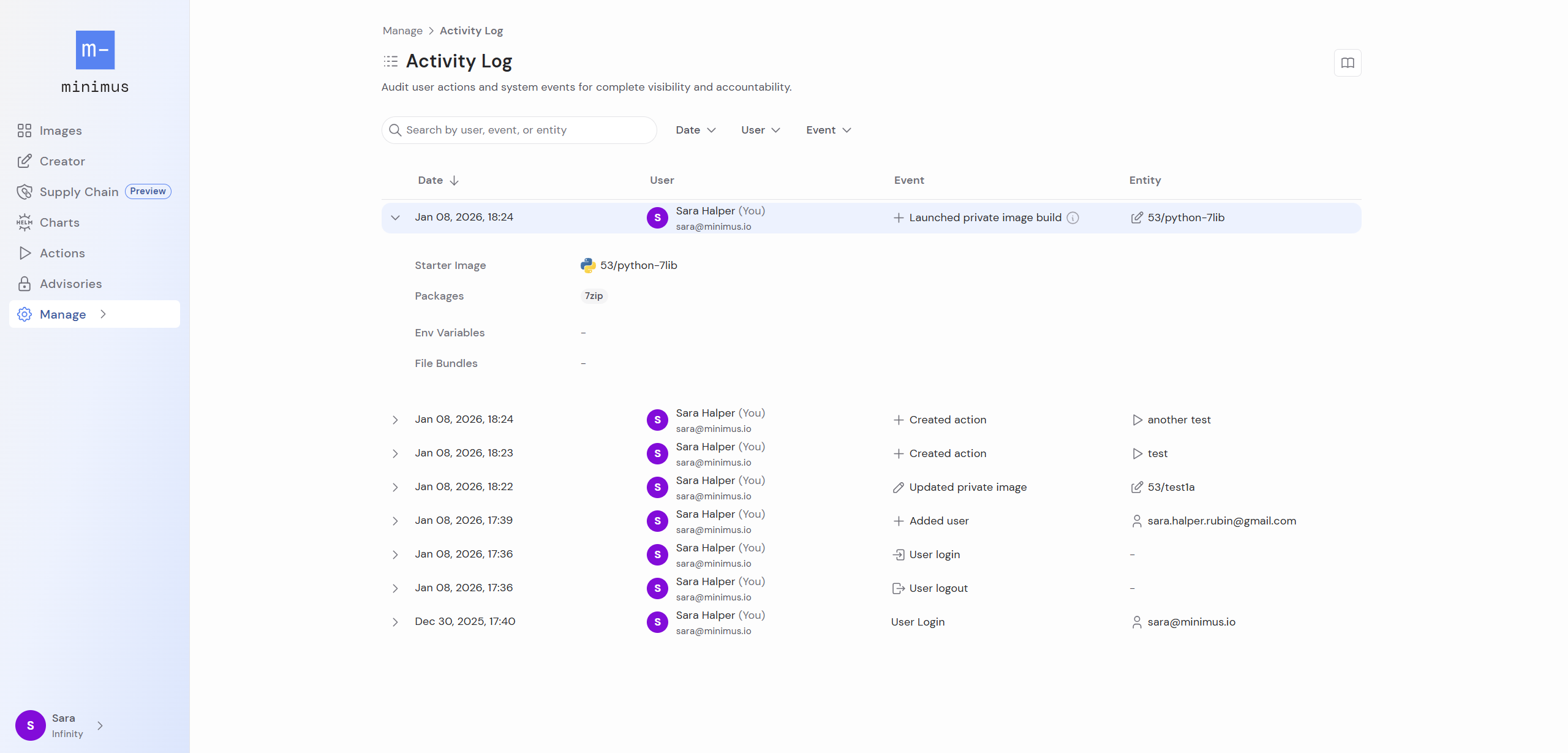
Activity logs - Logs events related to user management and user logins, tokens, Minimus actions, minicli, private image management via Creator or minicli, and file bundles.
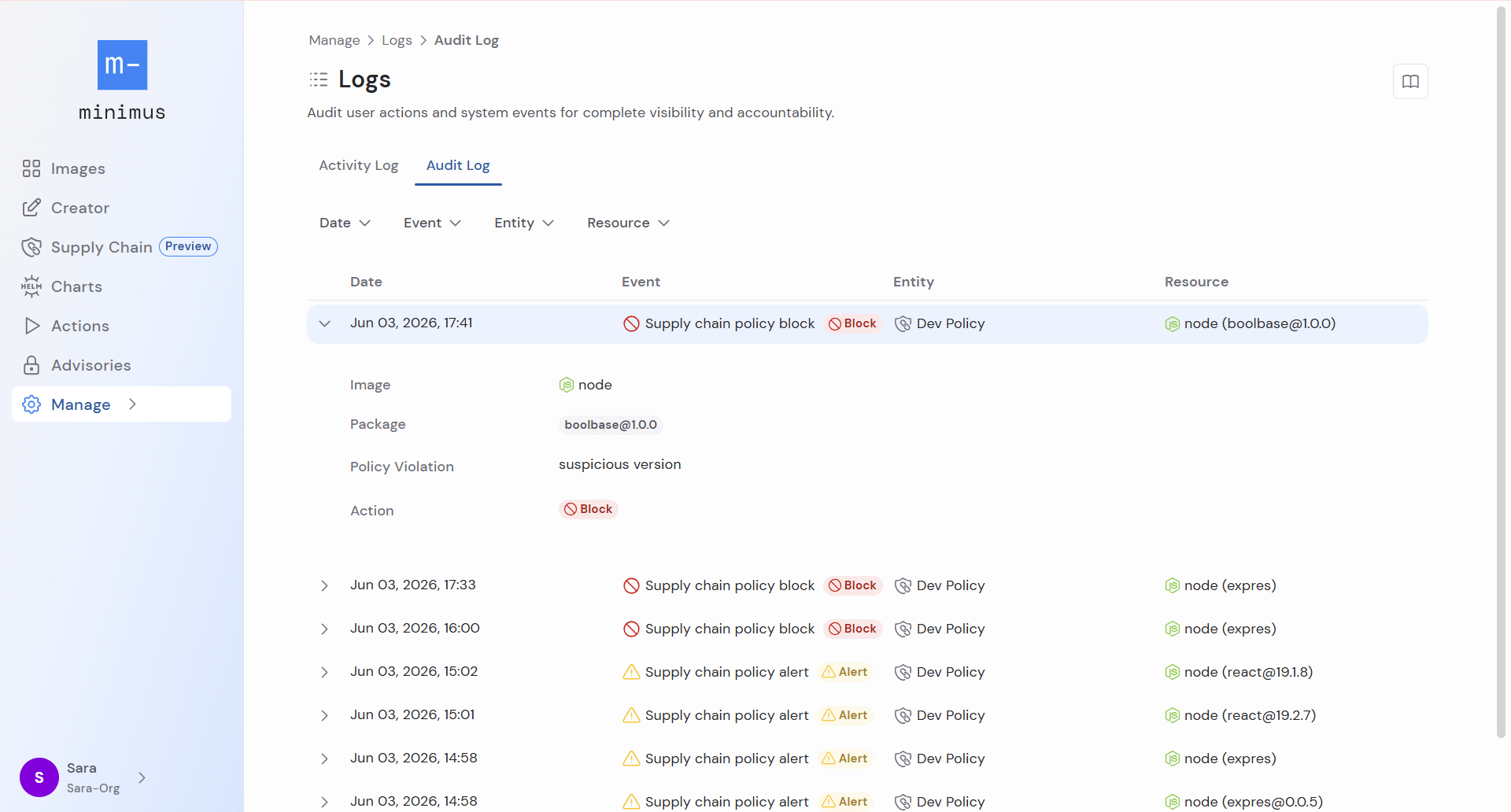
Audit logs - Logs events related to supply chain policies.
To view Minimus activity and audit logs, select Manage > Logs (direct link).
Check the activity log to audit user and system activity for any reason. The data can be filtered by date, user, and event type. Expand any row to see additional details.The system logs the following activity and organizes by category:
Users
Added user
Deleted user
Updated user
Groups (for SAML/SSO)
Create group
Deleted group
Updated group
SAML
Updated SAML (This log can also refer to SAML enabled or disabled. Expand the log to view its details.)
Tokens
Created token
Deleted token
Updated token
Actions
Created action
Deleted action
Updated action
Action delivered
Action delivery failed
Image Creator
Launched private image build
Deleted private image
Updated private image
File bundles
Created file bundle
Deleted file bundle
Updated file bundle
Login/Logout
User login
User logout
minicli
The performer listed for minicli events is the token used to authenticate the session.
Launched build via minicli (Logged for the command minicli image build submit)
Deleted private image via minicli
Saved private image via minicli (Logged for the command minicli image apply)